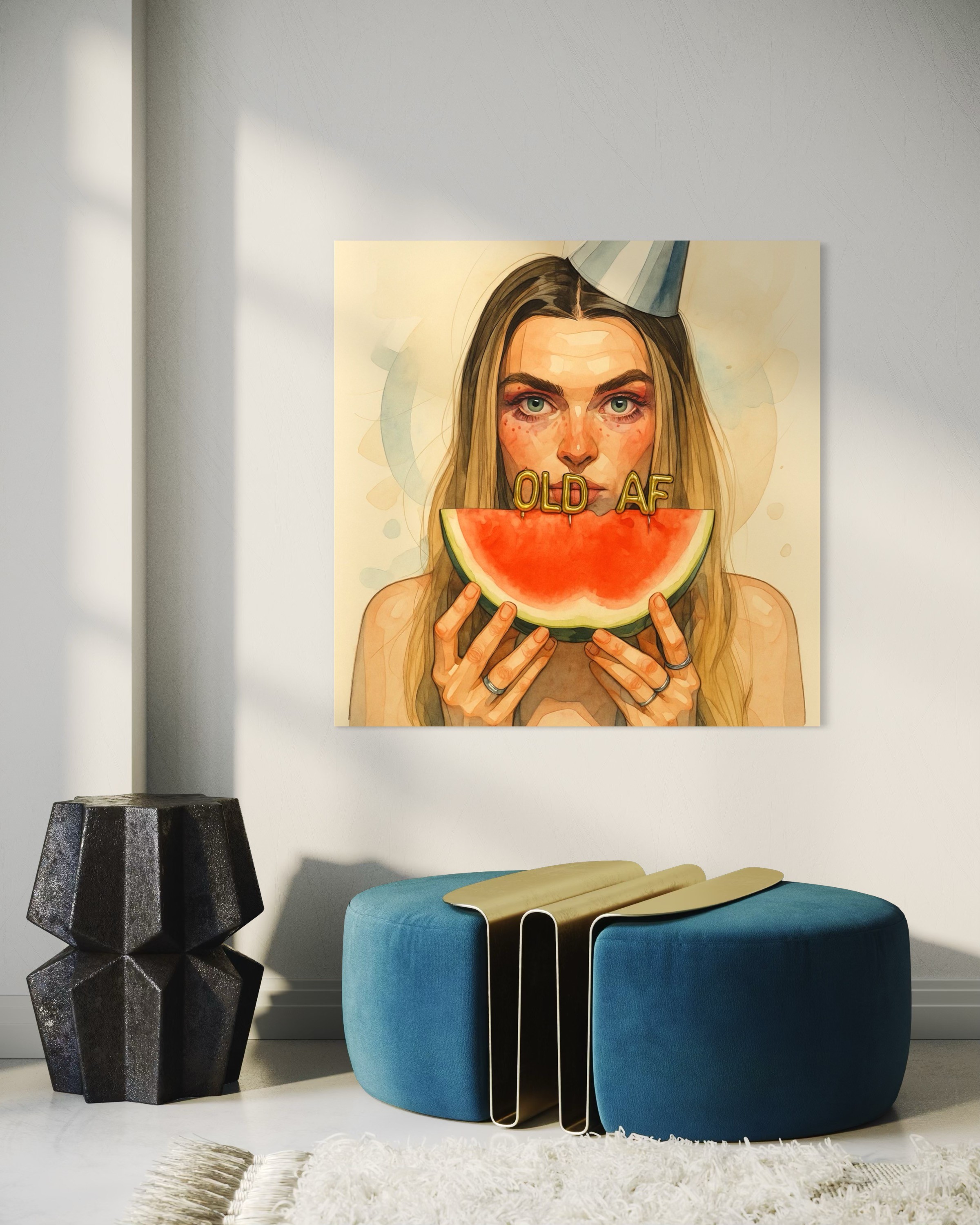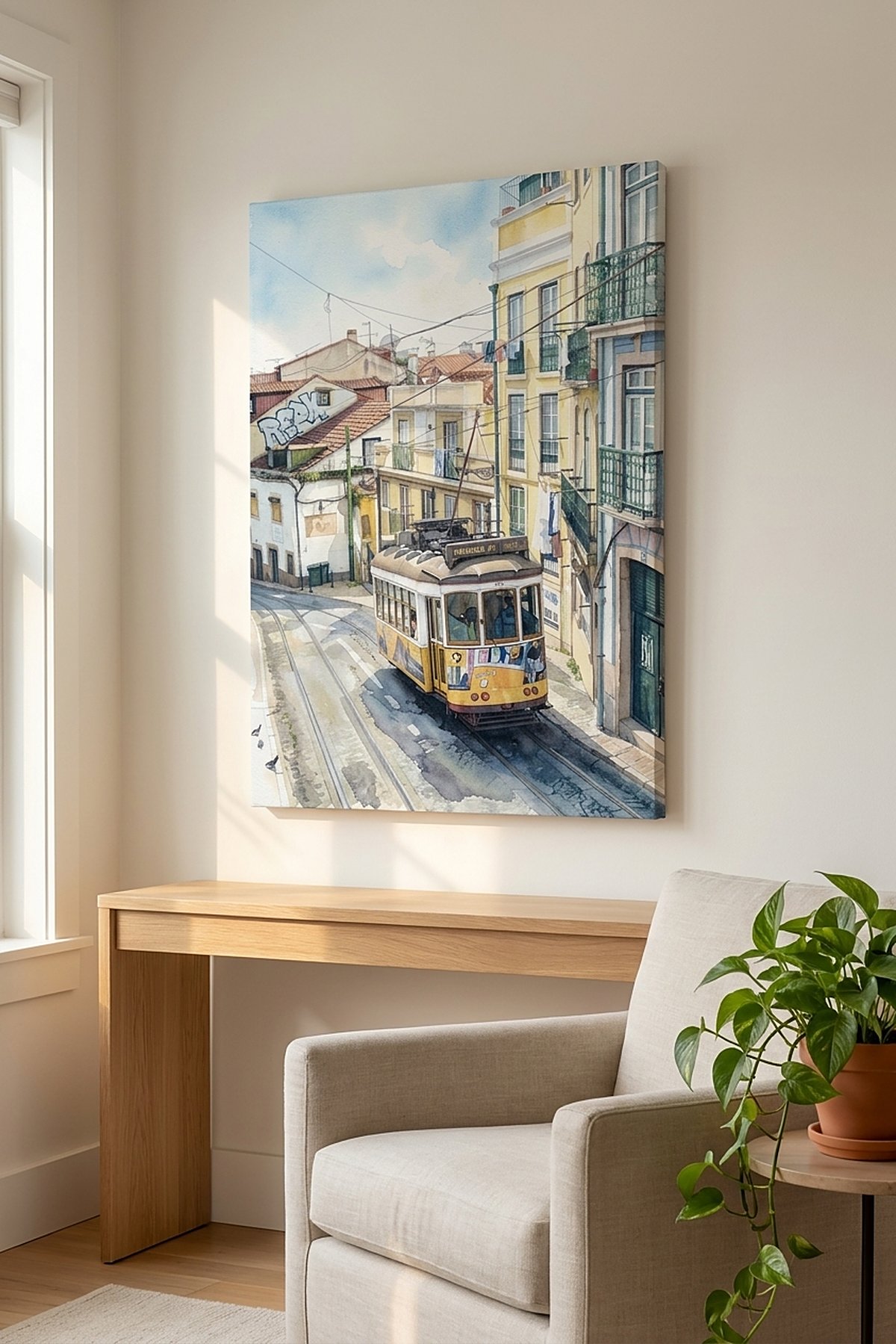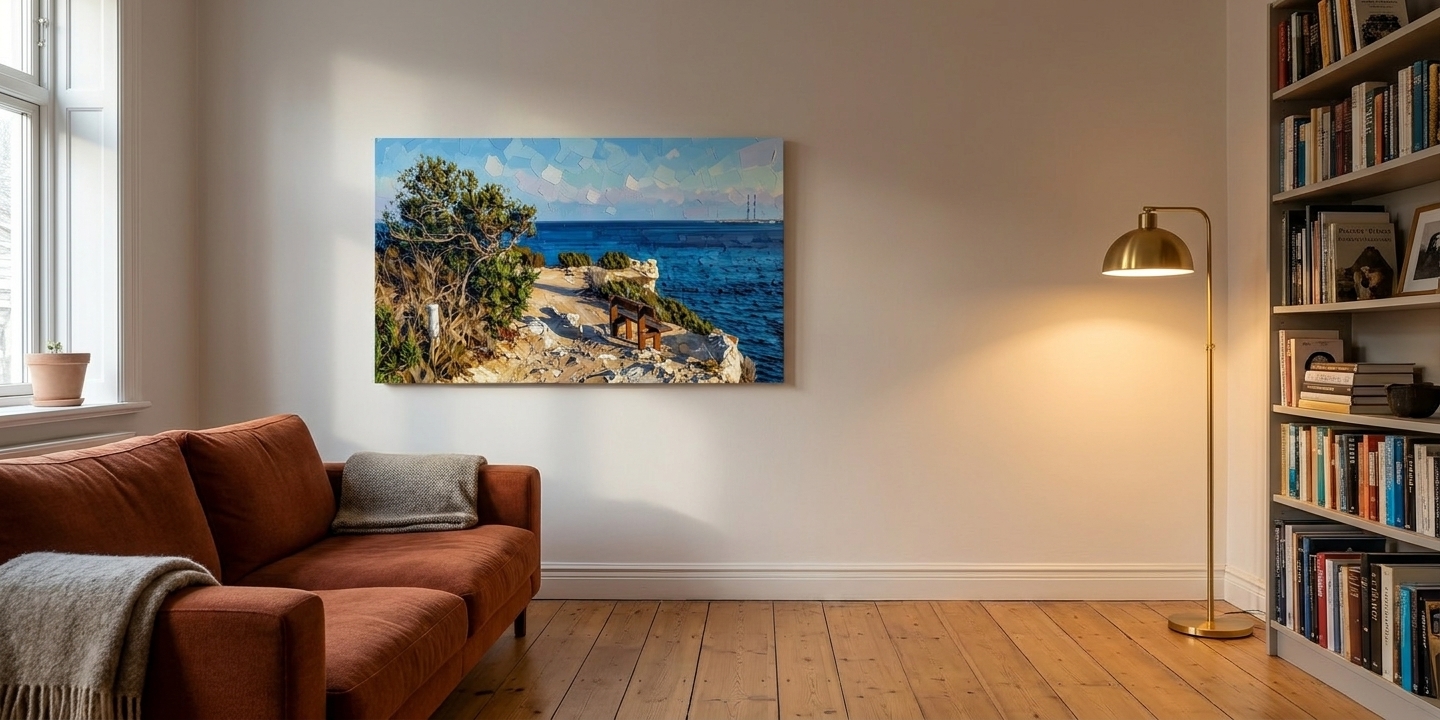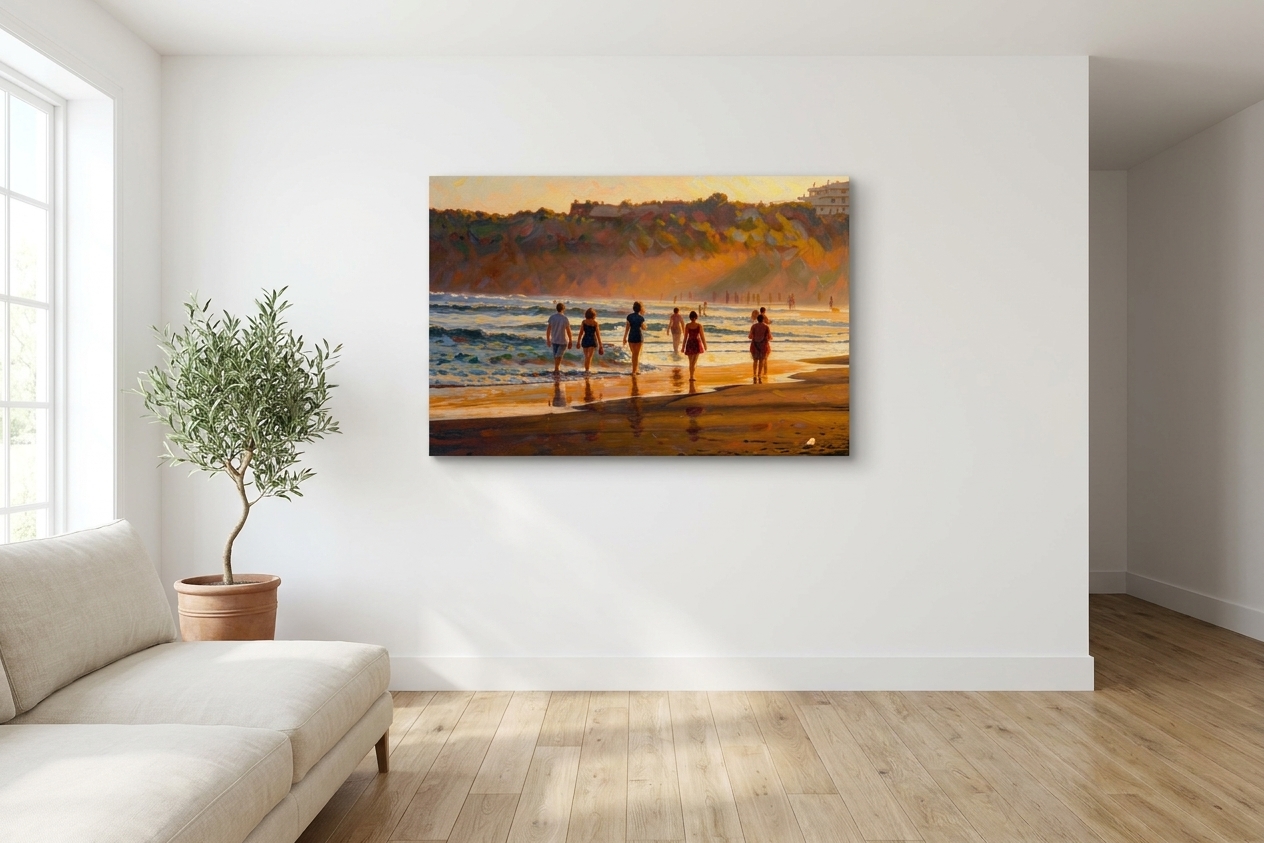
You typed “print photo to canvas” and you have a specific file open in another tab. So, straight away: we don’t print literal photos. ReArt turns your photo into an AI-generated painting and prints the painting. Nobody is at an easel. A model does it. If what you want is your photograph, on canvas, as a photograph — we are not the shop.
The thing that actually ruins these orders, though, is geometry, and geometry doesn’t care where you buy. The method works the same at every canvas printer on the internet, including the tabs you already have open. That part is below. Take it and go.
Because the internet told you the risk is resolution, and it isn’t. In order of what actually ruins the order: the crop, then the wrap, then the finish, and then — a distant fourth — resolution. That list is probably in the opposite order to the one you arrived with.
Print photo to canvas: the crop happens before anything else
Your phone shoots 4:3. A real camera shoots 3:2. Exactly one piece we sell matches either of those on the label — and the label, it turns out, isn’t the number you crop to.
The pieces we sell are 4:5 (8×10, 16×20), 11:14, 5:6 (20×24) and 2:3 (24×36) — short side over long, which is the convention for every number on this page, so your 4:3 phone photo is 3÷4 = 0.750. Not one of ours matches it. That’s our catalogue, not a law of nature: 12×16 and 18×24 are a true 3:4 and some printers stock them. We don’t.
Sizes rotate, by the way — a landscape photo hangs as a 36×24, not a 24×36. Nobody ever says this, and it makes the whole list look like it’s for portraits.
So on our sizes, something gets cut. Every time. And unless you decide what, the printer decides for you, which usually means a centre-crop taking equal bites off the two long edges — where, in a photo of people walking away from the camera, the people tend to be.
Here’s the test, and it takes about twenty seconds. Open the photo. Hit crop. Choose the ratio nearest the size you want. Look at what just left the frame.
If that’s an outstretched arm, you now know something no number ever told you — because a number is easier to publish than a test.
That’s the whole answer for a poster. For canvas it isn’t even half of it.
The gallery wrap eats two inches of every edge — and changes the shape you crop to
Gallery-wrapped canvas has no frame. The image itself bends around the wooden stretcher bars and folds behind them, so the sheet the printer prints is bigger than the picture you see head-on. On our bars: 34mm wraps around the visible edge, 15mm folds flat to the back. 49mm — just under two inches — printed and gone from every side.
This is the one number here that isn’t universal; shops use bars anywhere from 0.75 to 2 inches deep and allow for them differently. Ours are slim 2cm bars, and the print allows 49mm a side for the wrap and the fold behind it. Ask whoever you’re buying from for their number and re-run this table with it — if they won’t tell you, that’s your answer.
That 49mm doesn’t scale with the canvas. It’s the same two inches on the smallest piece we sell and on the largest, which is the whole problem:
| Canvas | Short edge eaten | Long edge eaten |
|---|---|---|
| 8×10 | 32.5% | 27.8% |
| 11×14 | 26.0% | 21.6% |
| 16×20 | 19.4% | 16.2% |
| 20×24 | 16.2% | 13.8% |
| 24×36 | 13.8% | 9.7% |
Read the top row again, because it inverts the obvious move. The safe small canvas is the dangerous one. Buying the cheap 8×10 first, to test it, is the worst possible test: it eats a third of the sheet’s short edge before you’ve seen anything. Someone walks off the edge, and you conclude the photo was the problem. It wasn’t. The 8×10 was.
And here is the part that surprised us when we did the arithmetic properly. The wrap doesn’t only eat the edges — it changes the shape you have to crop to. The sheet is the front face plus two inches on every side, which makes it squarer than the label. An 8×10 crops to 0.856, not 0.800. A 24×36 crops to 0.699, not 0.667.
So the test, corrected. Don’t crop to the canvas. Crop to the canvas plus two inches on every edge — add four inches to each dimension and set your crop to that shape. An 8×10 becomes a 12×14 crop; a 16×20 becomes a 20×24 crop; a 24×36 becomes a 28×40 crop. (Those are crop shapes, not sizes to order — the extra four inches is bar, not picture.) Then everything in the outer two inches of that crop goes around a corner or behind the frame. Only the middle survives head-on.
Run it and the ranking flips. Against a 4:3 phone photo, the closest shape we sell is the 24×36 (0.699 against your 0.750). The furthest is the 8×10 (0.856). End to end — crop plus wrap — a landscape phone photo hung as a 36×24 loses about 10% of its width. The same photo on a 10×8 loses about 37%. The big canvas is the forgiving one, which is the opposite of what a price list implies.
Poster skips all of this: flat print, nothing folds around anything, so you crop to the label and 16×20 means 16×20.
The wrap is also where “cheap-looking” actually lives — the corners like a wrapped present. What decides it is where the edge falls. A gallery wrap has no glass either; the image is the edge, so the edge has to be something you’d choose to fold around a corner, not the half of a face you didn’t notice was there.
If your composition is tight to the edges — and the good ones usually are, because you filled the frame — the honest answer may be poster. Nothing folds, nothing eaten. Go 16×20 or 24×36; we don’t offer poster in 20×24. We wrote up the full canvas-versus-poster trade-off separately.
300 DPI is a rule imported from magazines
Two problems with the number you’ve been given.
First, DPI is not a property of your file. Your file has pixels. DPI doesn’t exist until you choose a print size, at which point it’s just pixels ÷ inches. If you went hunting for your photo’s DPI in your file info and came back more anxious, that’s why — you were given a test you cannot run.
Second, the rule comes from glossy paper held about twelve inches from your face, where your eye resolves individual halftone dots. Your canvas hangs across a room, and canvas weave physically diffuses fine detail — it is a rough cloth, not a magazine. The texture that makes canvas look like canvas is the same texture that hides the pixel you’re worried about. You’ve been sold anxiety calibrated for a different object.
There is one file-level check worth running, and it isn’t a number. Use the original off the phone. Not a screenshot of it. Not a copy pulled back down from Facebook, Instagram or WhatsApp — those re-compress on the way in and again on the way out. Not a heavy digital zoom, which was already invented pixels at the moment you took it. That’s answerable in ten seconds by remembering where the file came from, which is more than DPI ever offered you.
The panic is mostly misplaced at wall distance. The crop is not.
When you should buy a literal photo print — not from us
Four cases. In all of them, go elsewhere.
The value is documentary. You want a face exactly as it looked. A render reinterprets features — and if precision is the whole point, that gap will quietly bother you forever. Go buy a photo print.
The photograph is the achievement. Real camera, waited for the light, composed it in the viewfinder. Then the photograph is the thing you made, and a render is a different thing made out of it. Painting over it throws away the part that was yours. Go buy a photo print.
A professional took it. Wedding, newborn, engagement. The photographer’s craft is the art. Reinterpreting it is both worse and rude. Go elsewhere.
You want a gallery wall of family snaps. A consistent set of literal photographs. We don’t make those. Go elsewhere.
What an AI painting actually changes about your photo — and what it doesn’t
If none of those is you — one good, slightly soft phone photo and one empty wall — here’s the mechanic.
A photo print makes a claim: this is a photograph. It can fail that claim. A soft, grainy, low-light phone shot prints as a soft, grainy photo, 24 inches wide, on your wall, forever, and the softness becomes the subject. A painted render makes no such claim. Brushwork isn’t supposed to resolve to pixel-sharp detail, so soft source material reads as style rather than as failure — not because anything got fixed, but because the image stopped claiming to be a photograph.
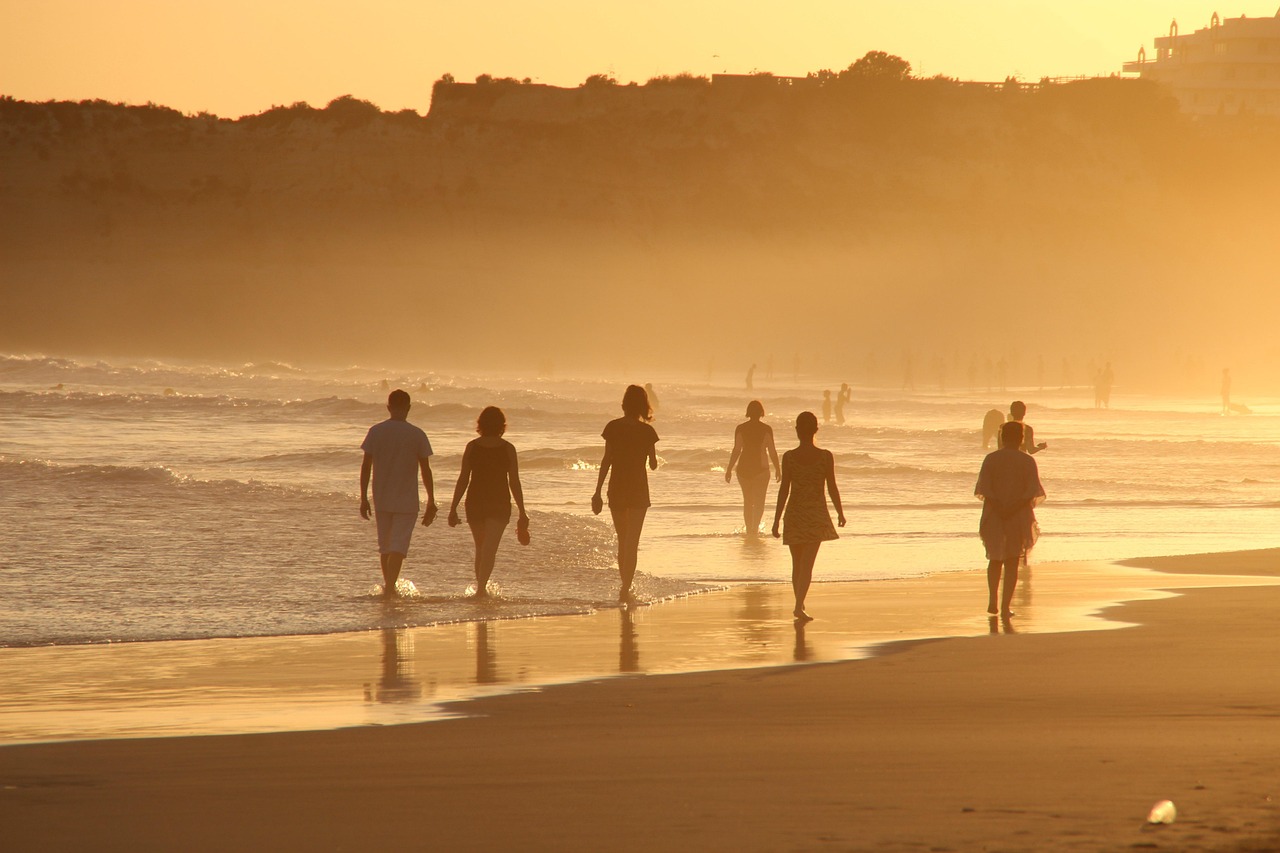
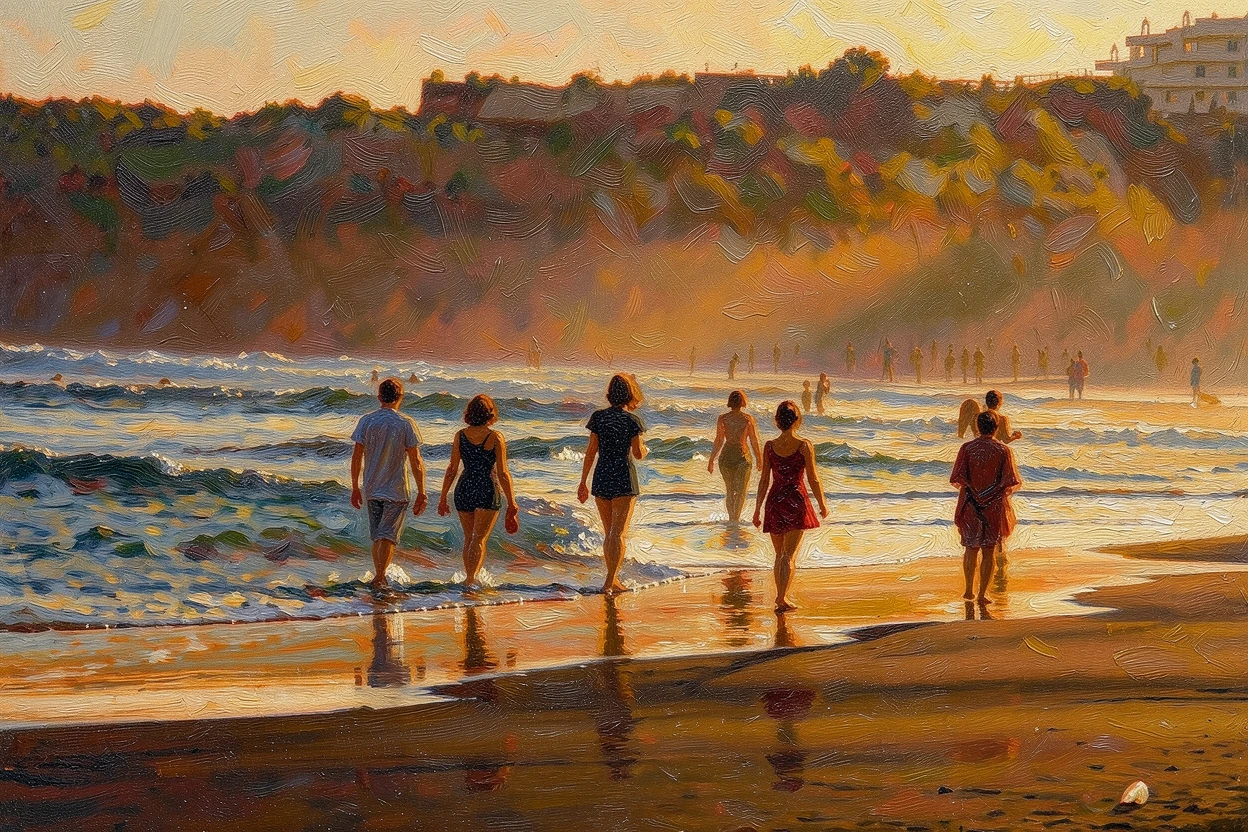 Photo Painting
 Source photo by Kranich17 via Pixabay. After: generated with ReArt.
There’s a second effect, and it’s about size. A photograph is a record of every tonal step the sensor caught. Blow it up to 36 inches and every one of those steps is still in there, still competing, long after your eye has stopped being able to use them. A painting has already decided which ones matter and thrown the rest away. That editing is the difference between an enlargement and a picture.
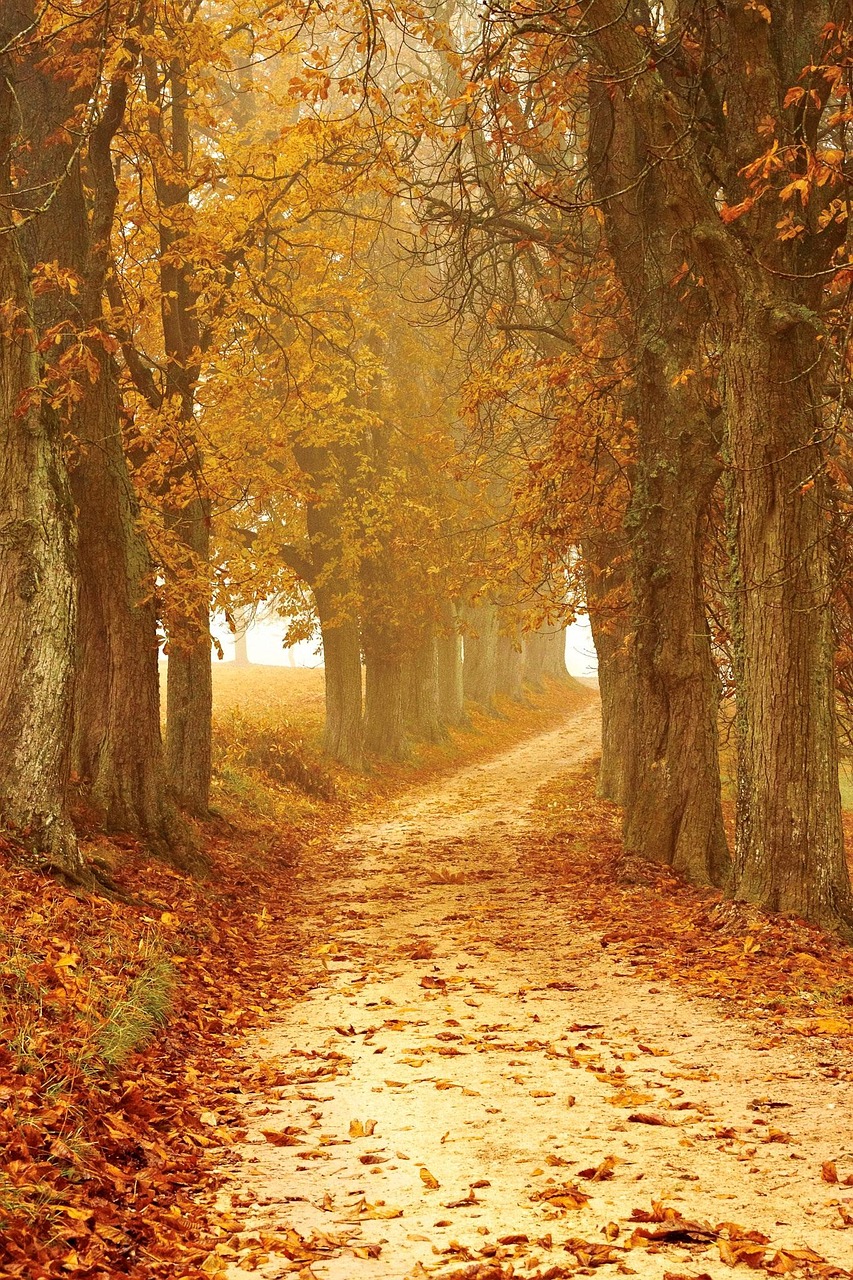
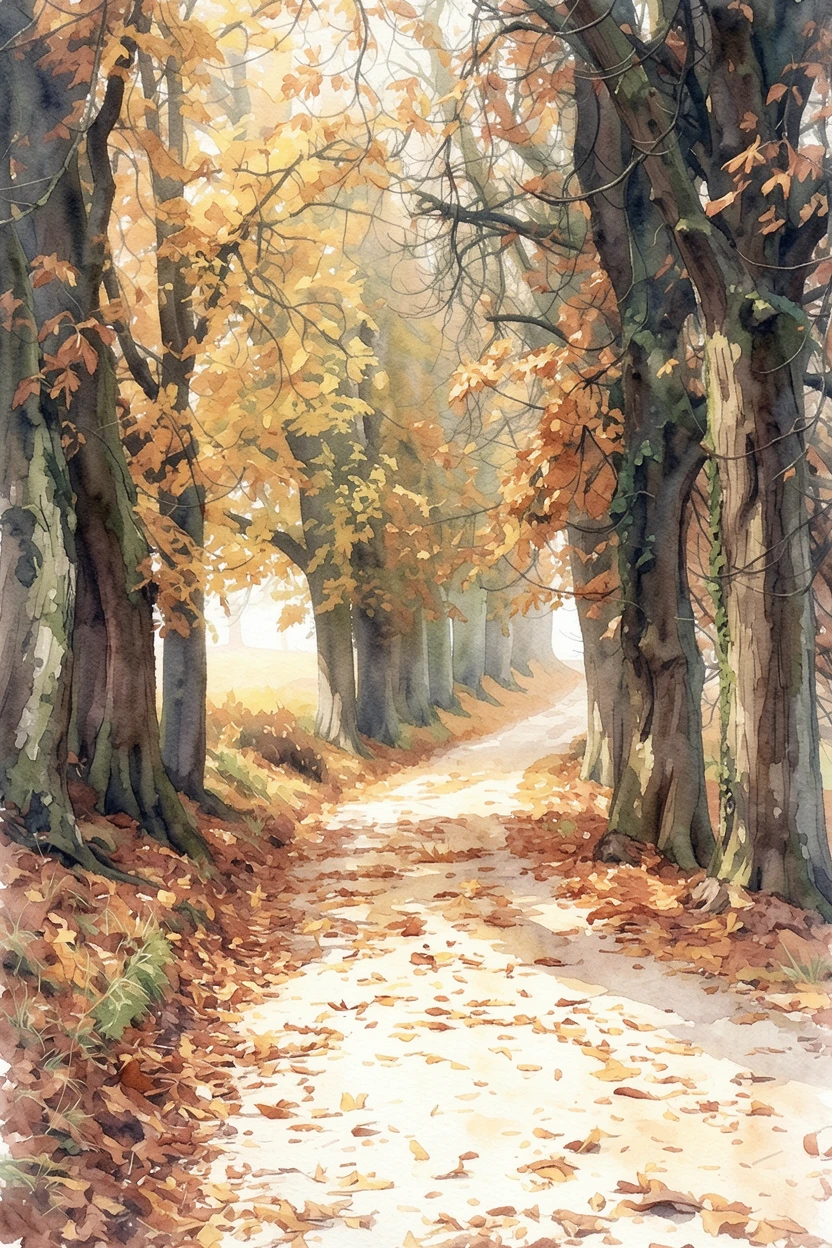 Photo Painting
 Source photo by weareaway via Pixabay. After: generated with ReArt.
The calm ones are oil, watercolour and golden impressionism — the two above are the last two. They read as a piece of art rather than as a blown-up file.
This fixes nothing. Bad composition stays bad. A closed eye stays closed. Someone half out of frame stays half out of frame. It is more forgiving of softness and phone-camera noise, that’s all. That’s the whole claim.
If you do go ahead, one number for canvas size
Measure the furniture, not the wall, and multiply its width by 0.7. Over a 60-inch sofa that wants a 42-inch piece. Our longest edge is 36 inches (24×36in / 60×90cm) and that is the largest we sell — so on a wall like that, one of ours is not a fill, and no arrangement makes it one.
What it can be is an anchor. Hang a 36-inch piece off-centre, over one end of the sofa, and let a lamp or a plant carry the other end; the asymmetry reads as deliberate in a way that a too-small canvas stranded in the middle never does. If what you actually want is 60 inches of wall covered by a single object, we don’t sell that, and you should buy it from someone who does. Bottom edge 6–8 inches above the sofa back. There’s more on what makes a piece a statement rather than filler if the wall is the hard part.
See it before you decide
Upload the photo and you’ll see it rendered from your actual file, on screen, before you pay for anything.
You’ll also get the thing this whole page has been about. The crop is yours, not the printer’s: you drag and zoom the photo inside the frame, and the zones that fold around the edges are dimmed out on screen, so you can see exactly what goes around the corner and move it until the arm is inside the bright part. It warns you if you’ve zoomed in far enough to hurt the print. Nothing prints until you approve it.
And if what you want is a face exactly as it looked — go buy a photo print. That’s a good decision, and now you know where the edges go.